
How to Check BISP 14500 Payment
If you want to know how to check BISP 14500 payment by CNIC, you can verify your payment through the official 8171 service using your CNIC number. Eligible families can check their payment status online or by SMS, making it easy to confirm whether the latest installment has been issued before visiting a payment center.
How to Check BISP 14500 Payment by CNIC
The Benazir Income Support Programme (BISP) has made payment verification simple for beneficiaries. Instead of visiting multiple offices, you can confirm your payment status by using your Computerized National Identity Card (CNIC).
Follow these steps:
- Keep your original CNIC ready.
- Open the official 8171 web portal when it is available.
- Enter your 13-digit CNIC number.
- Complete the verification code.
- Submit your details.
- Your eligibility and payment status will appear on the screen.
If internet access is unavailable, send your CNIC number through SMS to 8171 using the mobile number registered in your name. You will receive a reply with your eligibility or payment information.
Always enter your CNIC carefully to avoid incorrect results.
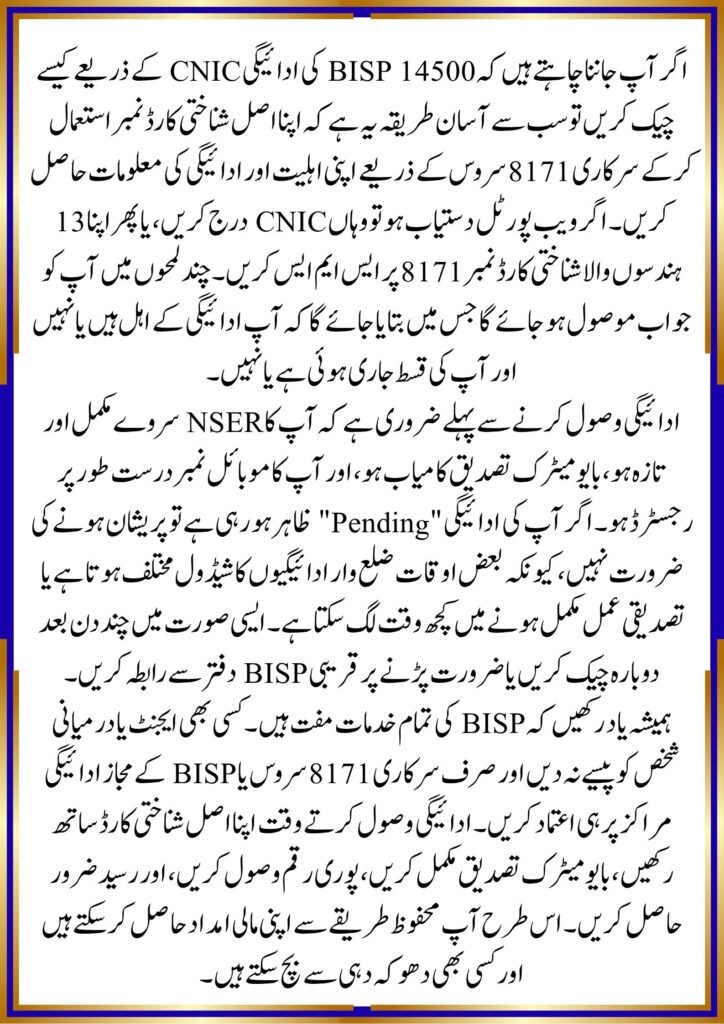
Latest BISP 14500 Payment Updates
The latest payment cycle aims to support eligible families after successful verification. Before collecting your payment, make sure your NSER survey details are updated and your biometric verification is complete.
offichal website ; https://8171.bisp.gov.pk/
If your payment shows as pending, it may be because:
- Your verification is still in progress.
- Biometric authentication has not been completed.
- Your family record requires an update.
- Payments for your district have not started yet.
Visit the nearest BISP office only if your status does not change after checking through the official system.
Important Tips Before Collecting Your Payment
Carry your original CNIC when visiting the payment center. Never pay any agent for payment verification or cash withdrawal. BISP services are free, and beneficiaries should always collect the full payment amount after biometric verification.
Keep your registered mobile number active because important payment notifications are often sent through the official 8171 service.
Quick Information Table
| Feature | Details |
|---|---|
| Topic | How to check BISP 14500 payment by CNIC |
| Category | BISP Payment Guide |
| Suitable For | Registered BISP beneficiaries |
| Benefits | Easy payment verification through CNIC |
| Important Update | Check payment using the official 8171 system |
| Last Updated | July 2026 |
Conclusion
If you are searching for how to check BISP 14500 payment by CNIC, the safest method is to use the official 8171 verification service with your original CNIC. Check your payment before visiting a payment center, keep your family information updated, and rely only on official BISP channels for accurate information.
FAQs
1. Can I check my BISP 14500 payment using only my CNIC?
Yes. You can verify your payment through the official 8171 service using your CNIC number.
2. Is there any fee for checking BISP payment status?
No. Payment verification through official BISP channels is completely free.
3. Why is my payment showing as pending?
Pending status usually means verification, biometric authentication, or district-wise payment release is still in progress.
4. What should I do if my payment is not showing?
Visit the nearest BISP office with your original CNIC if your payment does not appear after checking through the official system.