
BISP Wallet SIM Balance
How to check BISP wallet sim balance? If your BISP payment is connected to a mobile wallet or a registered SIM, you can check your SIM balance through your mobile network’s balance code or official app. Keeping enough balance helps you receive SMS alerts, verify your account, and complete payment-related activities without interruption.
How to Check BISP Wallet SIM Balance?
The BISP program uses your registered mobile number to send payment notifications and verification messages. Although BISP does not offer a separate SIM balance checking service, you can easily check the balance on your registered SIM using your mobile operator’s standard balance check method.
If you are unsure which SIM is linked to your BISP account, use the same number that receives official BISP SMS updates. Keeping this SIM active is important because many payment confirmations and security messages are sent to it.
You can also use your telecom company’s mobile application to view your remaining balance, internet data, and package details. This option is helpful if you regularly manage your account through your smartphone.
Why Your BISP Registered SIM Should Stay Active
A registered SIM plays a key role in receiving payment alerts and identity verification messages. If your SIM remains inactive for a long period, you may miss important notifications or face delays while confirming your payment status.
Always make sure your SIM is:
- Registered in your own name.
- Active and not blocked.
- Able to receive SMS messages.
- Loaded with a small mobile balance when needed.
Updating your mobile number after changing your SIM is also important. Visit the nearest BISP office if your registered number has changed.
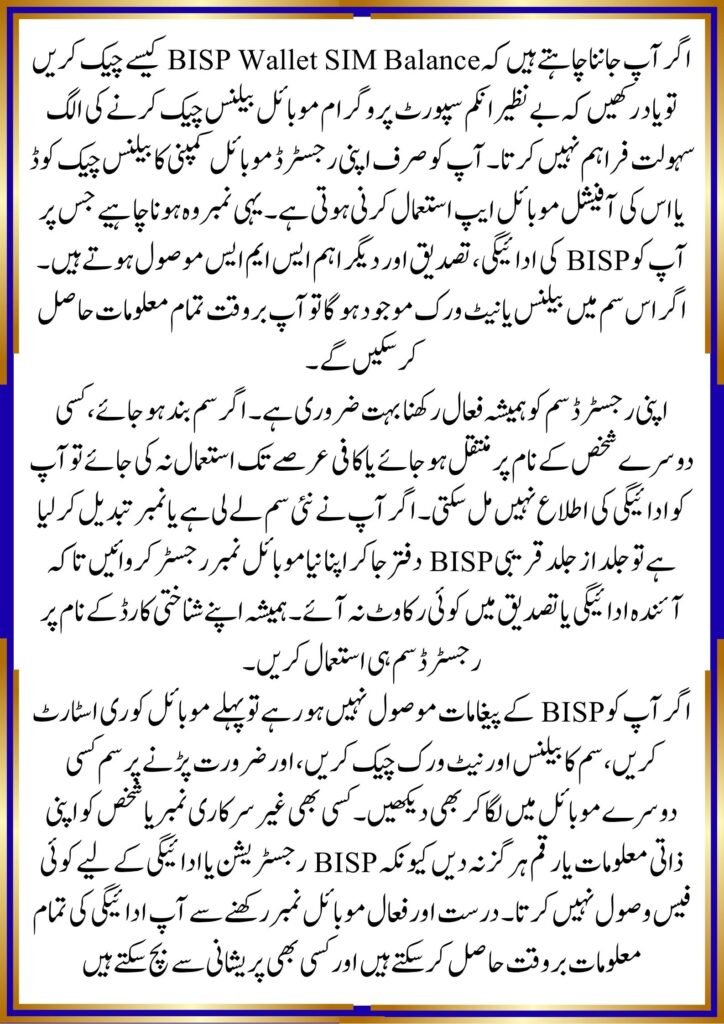
Common Problems and Their Solutions
Some beneficiaries do not receive BISP messages even though payments have been released. This usually happens because the registered SIM is inactive, the number has changed, or the phone cannot receive network signals.
If you face these issues:
- Restart your mobile phone.
- Check your SIM balance.
- Confirm network coverage.
- Insert the SIM into another phone for testing.
- Visit the nearest BISP office to update your mobile number if necessary.
Never trust unofficial messages asking for money or personal information. BISP does not charge beneficiaries for payment notifications or registration updates.
offichal website ; https://bisp.gov.pk/
Quick Information Table
| Feature | Details |
|---|---|
| Topic | BISP Wallet SIM Balance Check |
| Category | BISP Payment Guide |
| Suitable For | BISP and Ehsaas beneficiaries |
| Benefits | Receive payment alerts and verification messages |
| Important Update | Keep your registered SIM active and updated |
| Last Updated | July 2026 |
Conclusion
If you are searching for How to check BISP wallet sim balance?, remember that the balance is checked through your mobile network, not through BISP itself. An active registered SIM helps you receive payment notifications, complete verification, and avoid unnecessary delays. Keeping your contact information updated ensures smoother access to your BISP benefits.
FAQs
1. How can I check my BISP wallet SIM balance?
Use your mobile network’s balance code or official mobile app to check the balance on your registered SIM.
2. Does BISP provide a SIM balance checking service?
No. BISP only uses your registered mobile number for notifications and verification.
3. What should I do if I change my mobile number?
Visit your nearest BISP office and request an update of your registered mobile number.
4. Why am I not receiving BISP SMS messages?
Your SIM may be inactive, out of coverage, or no longer registered with your BISP account.