
BISP Digital Wallet Payment System
If you want to know how to register for BISP digital wallet payment system, the process is simple. Eligible Benazir Income Support Programme beneficiaries can complete their verification through BISP and receive future payments through approved digital banking channels once the service is available in their area. This guide explains the registration steps, eligibility requirements, and important updates.
How to Register for BISP Digital Wallet Payment System
The BISP Digital Wallet Payment System is designed to make payments safer, faster, and more convenient. Instead of collecting cash from traditional payment centers, eligible beneficiaries will gradually receive payments through approved digital financial services after completing the required verification.
To get started, follow these steps:
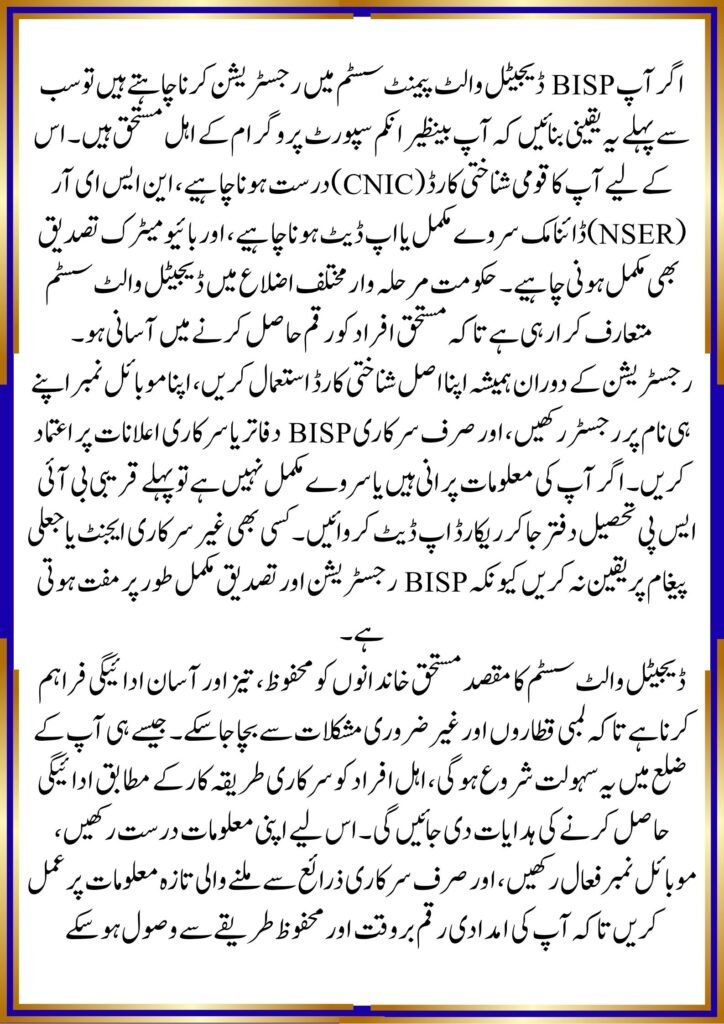
- Visit your nearest BISP Tehsil Office if you are not already registered.
- Complete or update your NSER Dynamic Survey.
- Verify your original CNIC issued by NADRA.
- Register your active mobile number in your own name.
- Complete biometric verification when requested.
- Wait for confirmation from BISP regarding payment eligibility.
- Once the digital wallet service becomes available for your district, follow the official instructions to activate your payment method.
Only follow updates shared through official BISP channels to avoid scams or fake registration messages.
Eligibility and Documents Required
Before registration, make sure you meet the basic eligibility criteria.
Required documents include:
- Original valid CNIC
- Registered mobile SIM linked to your CNIC
- Updated household information through the NSER survey
- Successful biometric verification
- Eligibility confirmation from BISP
Families whose information is outdated should update their records before expecting digital wallet payments.
Important Registration Tips
- Keep your mobile number active.
- Never share your CNIC or verification code with unknown people.
- Ignore unofficial agents demanding registration fees.
- Regularly check your payment status through official BISP services.
- Visit the nearest BISP office if your biometric verification fails.
As the digital wallet system expands, beneficiaries may receive payments through authorized banking partners without standing in long queues.
offichal website ; https://8171.bisp.gov.pk/?AspxAutoDetectCookieSupport=1
Quick Information Before Registration
| Feature | Details |
|---|---|
| Topic | BISP Digital Wallet Registration |
| Category | Benazir Income Support Programme |
| Suitable For | Eligible BISP Beneficiaries |
| Benefits | Secure, faster and easier payment collection |
| Important Update | Digital wallet rollout is being introduced in phases for eligible beneficiaries. |
| Last Updated | July 2026 |
Conclusion
Understanding how to register for BISP digital wallet payment system helps beneficiaries prepare for a smoother payment process. Keep your NSER information updated, complete biometric verification, use an active mobile number registered in your own name, and rely only on official BISP announcements. Following these steps will help you receive future payments securely when the digital wallet service is available in your area.
FAQs
1. Who can register for the BISP Digital Wallet Payment System?
Only eligible BISP beneficiaries with verified records can use the system when it becomes available in their district.
2. Is biometric verification required?
Yes. Biometric verification is generally required to confirm the beneficiary’s identity.
3. Can I register with someone else’s mobile number?
No. You should use a mobile number registered in your own name whenever required.
4. Do I need to pay any registration fee?
No. BISP registration and verification are free. Do not pay anyone claiming to offer faster registration.