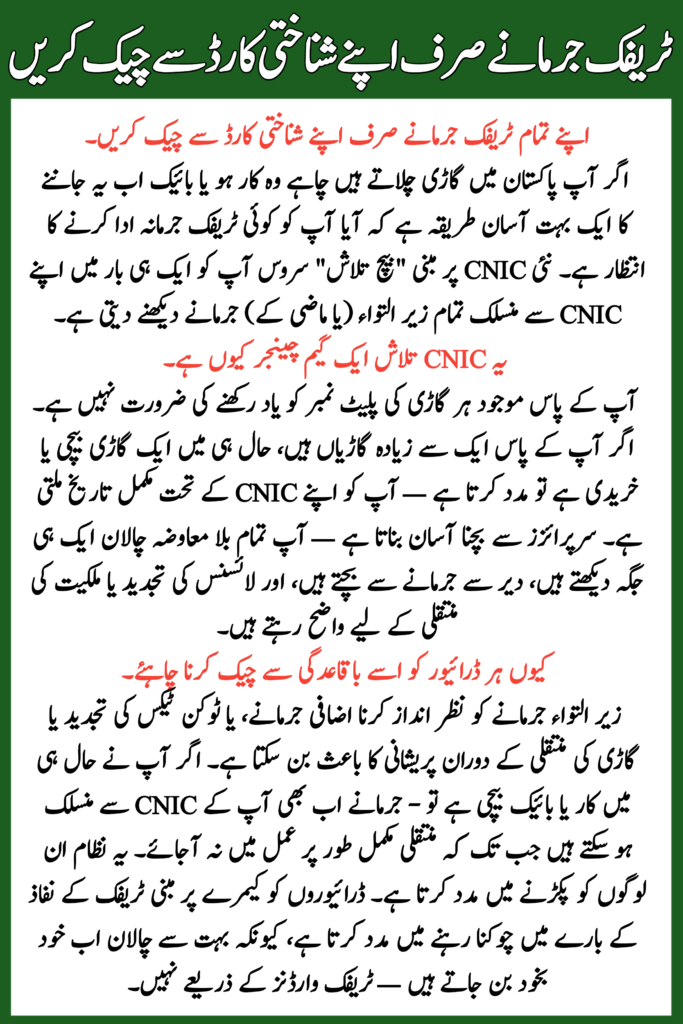
If you drive a vehicle in Pakistan whether a car or a bike now there’s a much easier way to know if you have any traffic fines waiting to be paid. The new CNIC-based “batch lookup” service lets you see all pending (or past) fines linked to your CNIC in one go.
Read More: CM Punjab Ration Card Program
Table of Contents
Why This CNIC Lookup Is a Game-Changer
- No need to remember every vehicle plate number you ever had.
- Helps if you own multiple vehicles, sold or bought a vehicle recently — you get a full history under your CNIC.
- Makes it easy to avoid surprises — you see all unpaid challans in one place, avoid late fines, and stay clear for licence renewals or ownership transfers.
Read More: Petrol Price in Pakistan
Check All Your Traffic Fines Full Details
What the Result Page Shows
| Field | Shows |
| Vehicle info | Plate number or vehicle registration data (if linked) |
| Violation type | Speeding, red-light jump, illegal parking, helmet/seatbelt violations etc. |
| Date & Time | When the violation happened |
| Fine amount | Penalty to be paid for that challan |
| Status | “Pending” or “Paid/cleared” |
| Option to download | PDF of challan slip (if you need offline record) |
Why Every Driver Should Check It Regularly
- Overlooking pending fines can lead to extra penalties, or trouble during token tax renewal or vehicle transfers.
- If you recently sold a car or bike — fines might still be linked to your CNIC until the transfer is fully processed. This system helps catch those.
- Helps drivers stay alert about camera-based traffic enforcement, because many challans are now generated automatically — not by traffic wardens.
Read More: Punjab Extends Admission Deadline for Matric Exams
A Few Important Tips & Cautions
- Always use the official portal for your province/city (for Punjab: PSCA website; for Sindh: Sindh Police e-Challan portal). Don’t rely on random third-party links.
- Enter your CNIC number exactly as per record, and avoid spaces or dashes unless specified.
- If you recently changed vehicle ownership, allow some time for the database to update — old challans might still appear.
- Keep record of payment receipt or downloaded slip — in case any dispute arises.
Read More: Akhuwat Microfinance Loan Scheme
Final Word
In today’s world where traffic cameras, ANPR systems, and smart enforcement are rising, the CNIC-based e-challan lookup is a lifesaver for drivers. It brings transparency and simplicity — no more surprises at token renewal, no more surprise fines out of nowhere.
Whether you live in Lahore, Karachi, Islamabad or any major city — take 5 minutes, check your CNIC, and make sure your traffic record is clean. It’s a small step that can save you big trouble later.