How to Check 8171 BISP Payment
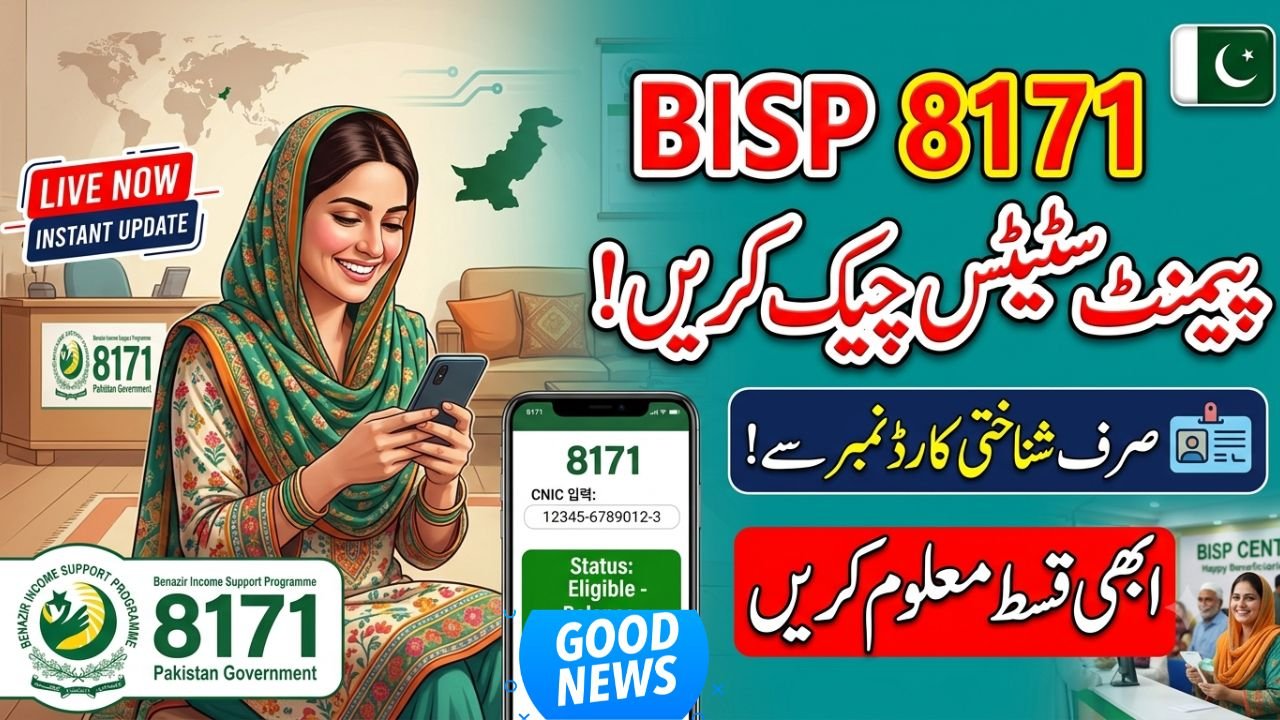
Beneficiaries can verify their financial aid online through the official web portal. To learn how to check 8171 BISP payment status by CNIC, visit the 8171 web portal, enter your 13-digit National Identity Card number, fill in the captcha code, and click submit. The system instantly displays your current eligibility, tracking details, and the exact balance available for withdrawal.
Understanding the 8171 Web Portal Verification Process
The government has streamlined the Benazir Income Support Programme to stop long queues at local centers. The online tracking system helps families confirm their money before leaving home. This reduces exploitation from unauthorized agents who demand illegal fees for balance checks.
To use the portal, you only need a valid Computerized National Identity Card (CNIC) and a mobile phone. The digital database updates regularly, reflecting the latest quarterly disbursements for the Kafaalat program, Taleemi Wazaif, and Nashonuma initiatives. If your profile shows “eligible,” you can visit any designated point-of-sale retailer or partner bank biometric ATM to collect your money.
Two Simple Ways to Track Your Benazir Income Support Funds
Using the SMS Tracking Method
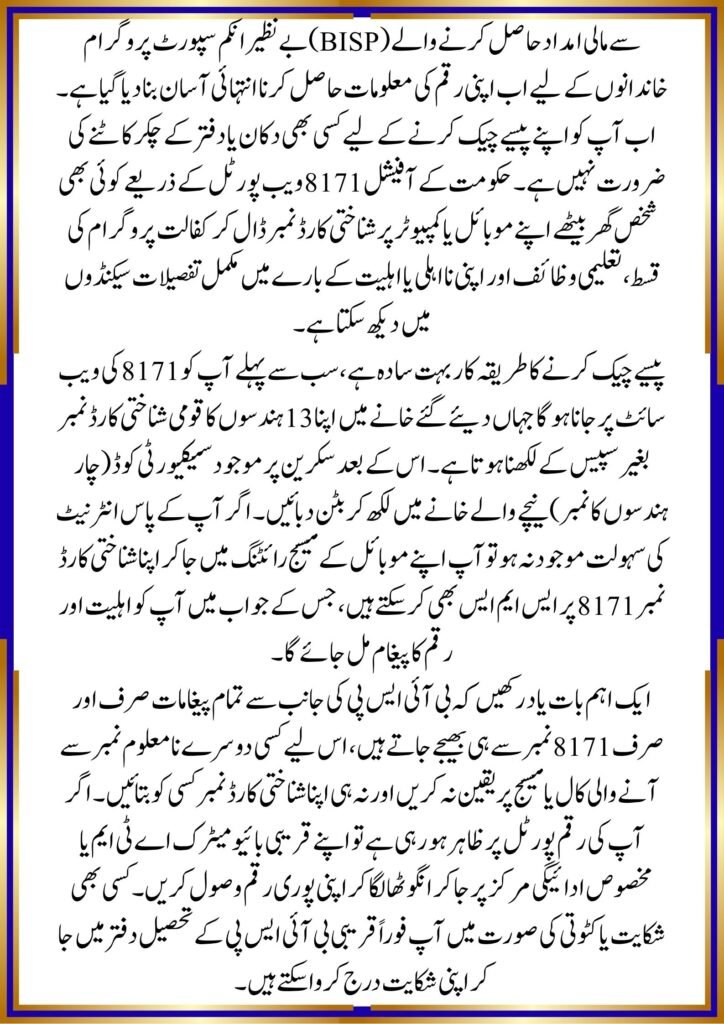
If you do not have an active internet connection, you can still check your status using a basic mobile phone. Open your messaging app, type your 13-digit CNIC number without any spaces or dashes, and send it directly to 8171. Within a few minutes, you will receive a text reply detailing your registration status and whether your quarterly payment has arrived.
Accessing the Digital Portal via Mobile
For a more detailed breakdown, navigating the online portal remains the best choice. It displays history, updates on dynamic surveys, and specific reasons if a payment is temporarily blocked.
offichal website ; https://8171.bisp.gov.pk/
- Open your internet browser and load the official 8171 tracking site.
- Locate the blank field labeled for identity card input.
- Type your CNIC carefully to avoid errors.
- Replicate the 4-digit verification code shown in the image on your screen.
- Press the green action button to review your complete profile dashboard.
Quick Information Guide
| Feature | Details |
| Topic | Benazir Income Support Programme Balance Tracking |
| Category | Government Social Safety Net / Financial Aid |
| Suitable For | Pakistani CNIC holders registered under the Kafalat Scheme |
| Benefits | Free online checking, prevents retail fraud, saves travel time |
| Important Update | Dynamic survey verification is mandatory to continue receiving funds |
| Last Updated | June 2026 |
Final Steps for a Smooth Cash Withdrawal
Always verify your identity details through official channels before sharing your personal data anywhere else. Knowing how to check 8171 BISP payment status by CNIC ensures you stay updated on financial relief distributions without facing unnecessary delays. Keep your registered SIM card active, as official communication regarding payment timelines only comes from the shortcode 8171. If the portal shows an active balance, head to an authorized campsite or biometric ATM to receive your full amount safely.
FAQs
What should I do if the 8171 portal shows an error for my CNIC?
Double-check that you typed the 13 digits correctly without any spaces. If the error persists, it usually means your data is not yet uploaded or you need to visit the nearest NADRA registration center to update your identity details.
Are there any charges for checking the BISP balance online or via SMS?
The online web portal is completely free to use. However, sending an SMS to the 8171 shortcode requires a minimal mobile balance of around 1 to 2 PKR, depending on your cellular network provider.
Can I check my family member’s payment status using my own phone?
Yes. You can enter any relative’s valid CNIC number into the web portal or send it via SMS to 8171 to check their specific allocation status and eligibility details.
Why does my status show “Eligible” but the balance is zero?
This typically happens when a new phase of disbursements has started but the funds are being transferred in batches. Wait a few days for the system to process completely, or visit a regional desk to check for any survey blocks.